

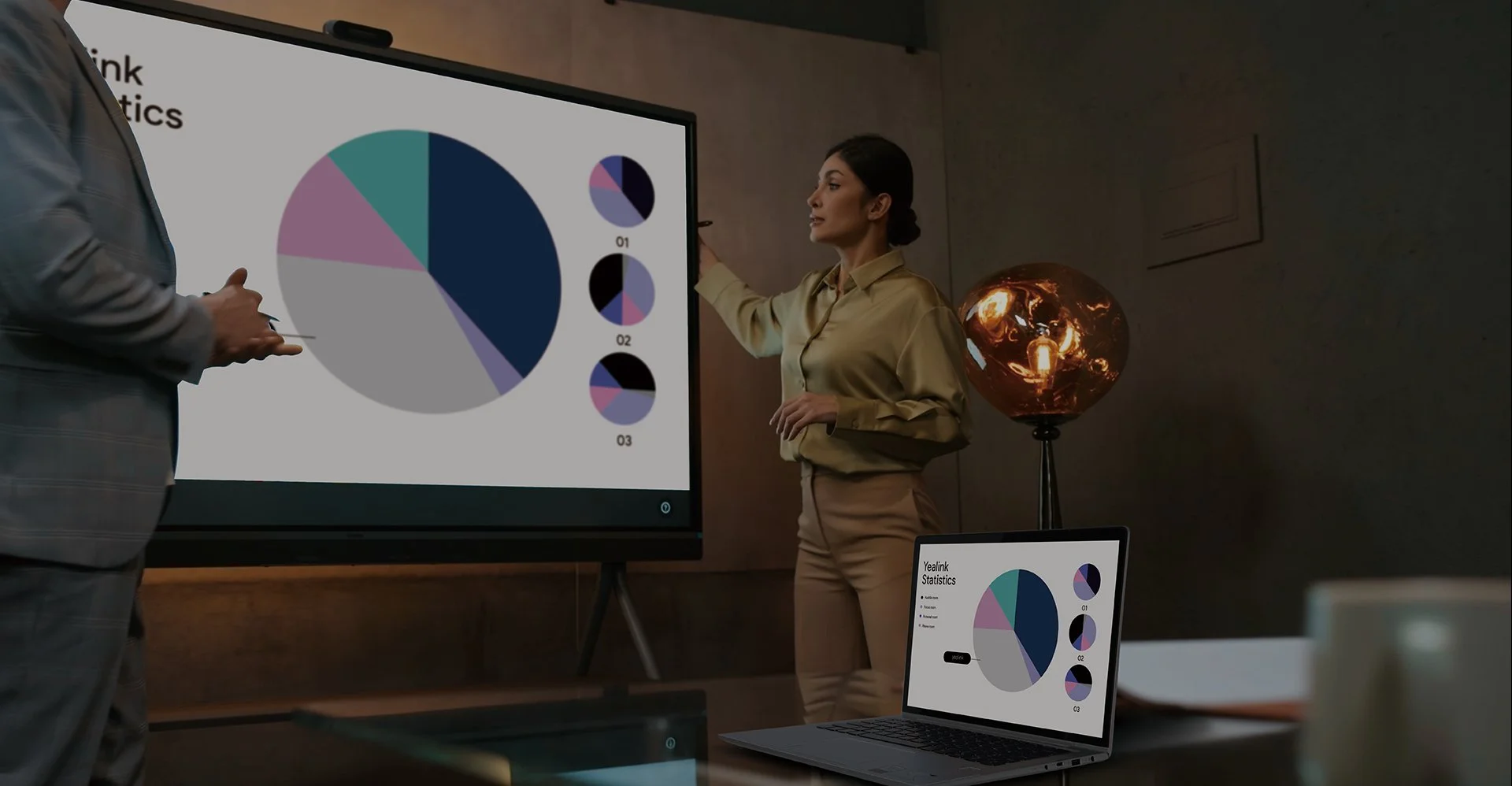
Yealink BYOD Solution
Empowers you to use your laptop to enrich
your meeting room experiences
Everything About Yealink BYOD.
USB BYOD
USB Bar+BOX
Use the USB Bar and BYOD-Box together with USB conference cameras to enable flexible BYOD meetings. Connect your laptop via USB and HDMI to leverage the in-room camera, microphone, speaker, and display — no room license or platform account required.
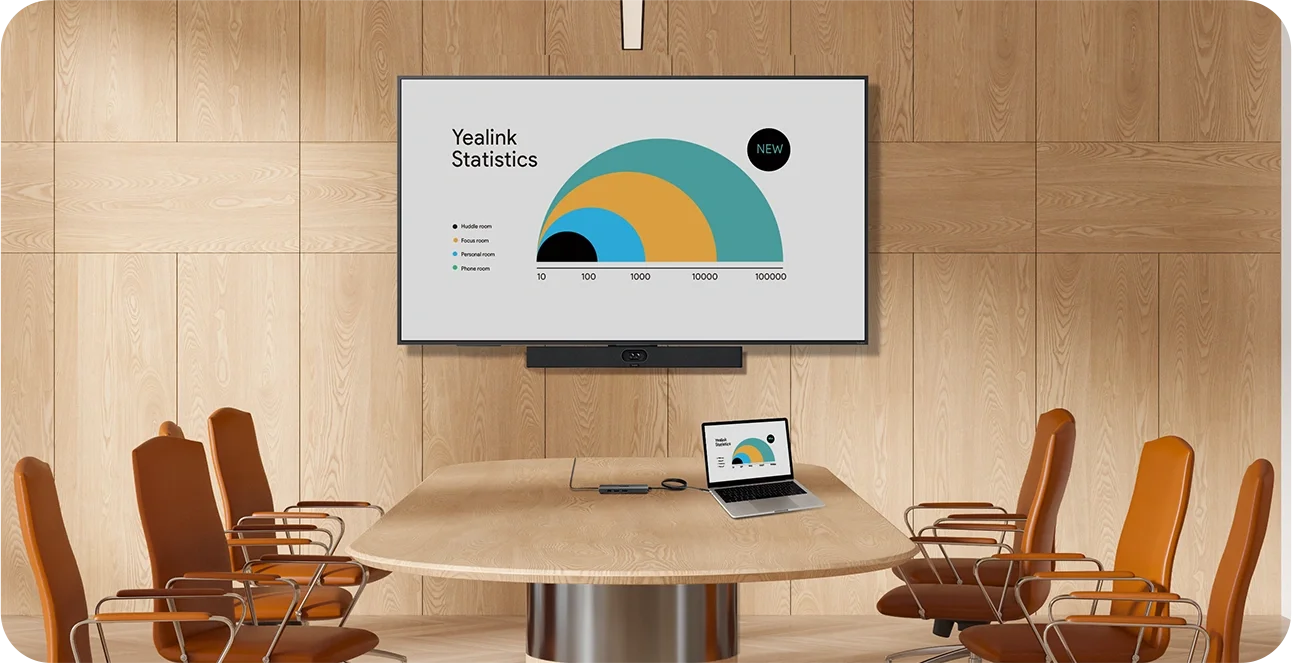
Smart BYOD
Android-based Devices + Device Mode

Pro BYOD
Windows-based Device + Extender

Work with Any Laptop.
Easily connect your laptop to the USB Bar and BYOD-Box for seamless meetings. Whether you're using a Windows, Mac, or Chromebook, simply plug in via USB or HDMI, and you're good to go.No additional software or platform accounts required — just a straightforward connection to bring professional-grade audio and video to your meetings.
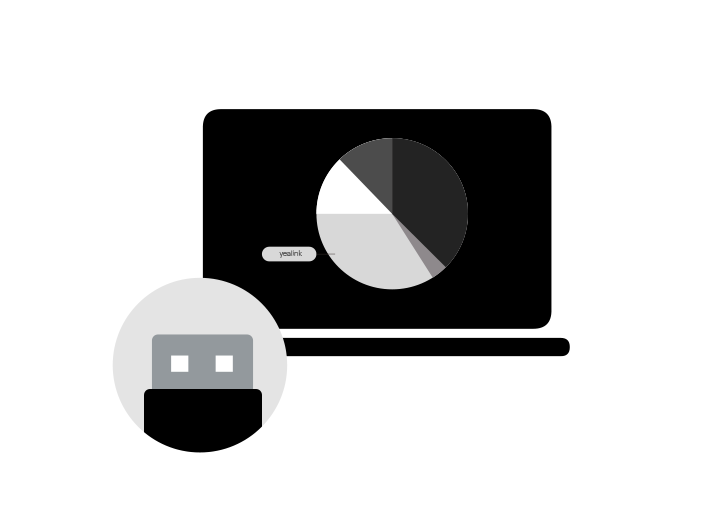
Plug and Play.
Forget about complicated setups or lengthy installations. With the USB Bar and BYOD-Box, you can plug in and start your meeting in minutes. Leverage the in-room camera, microphone, speaker, and display for crystal-clear communication — it’s that simple. Ready for action at any moment, with zero downtime.
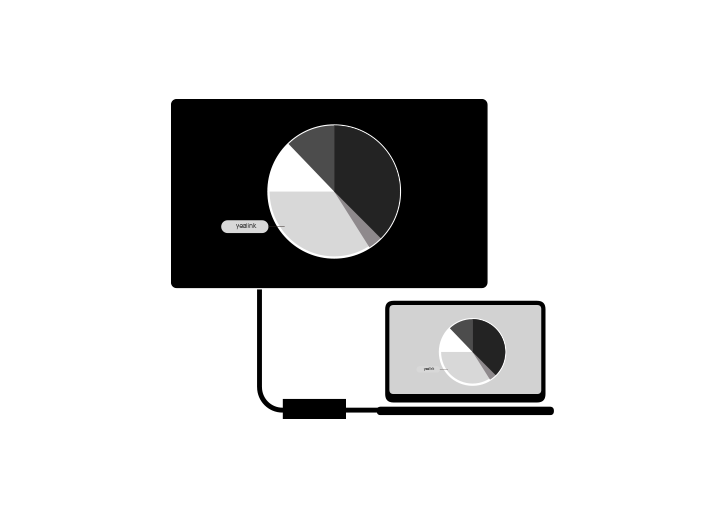
Budget-Friendly & Easy Setup.
Get the power of enterprise-grade video and audio at a fraction of the cost. Our USB Bar solution is designed to be both cost-effective and quick to deploy. Perfect for small meeting rooms and spaces that require simple, fast access to meetings. With no need for expensive room licenses or platform accounts, it’s the most efficient solution for any budget.


Product Support
Provides essential resources for product deployment, integration, and management within enterprise communication ecosystems, including user manuals, FAQs, video tutorials, and more.
