K Column Firmware Updater
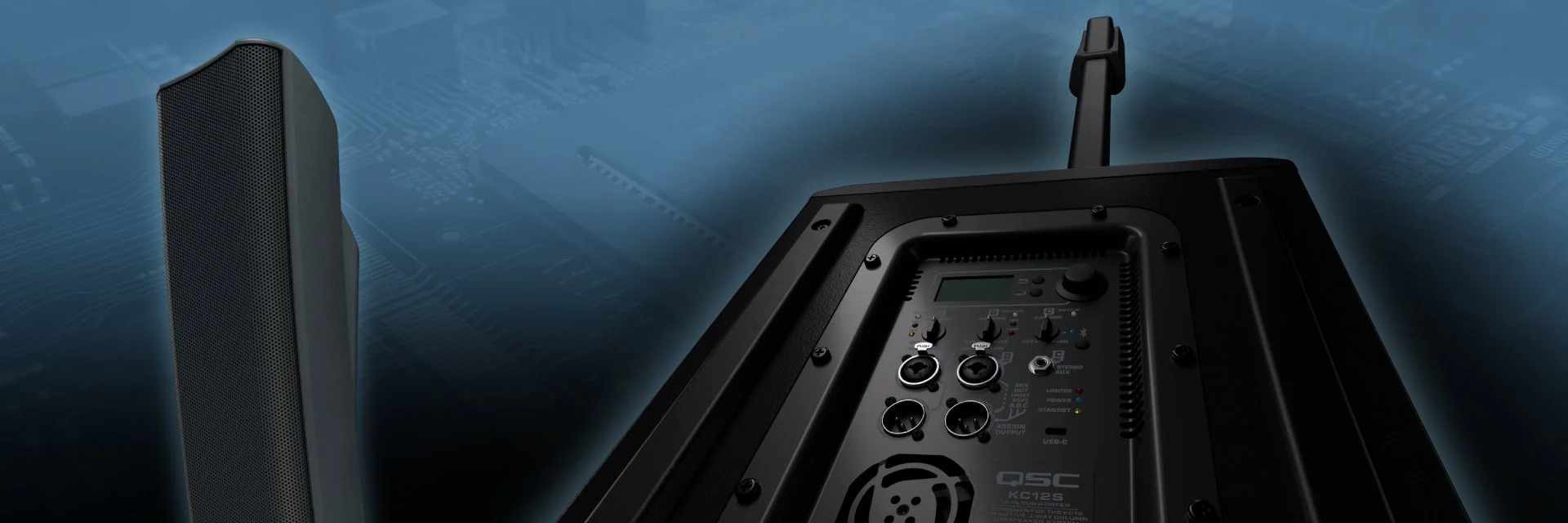
We recommend that all owners of KC12 Active Column Loudspeakers check and confirm that their loudspeaker systems are equipped with the latest firmware.
Updating the KC12 firmware is fast and easy and will serve to enhance and optimize your system’s performance. QSC remains committed to quality, reliability, and customer satisfaction. Please assist us in this regard by ensuring your KC12 product is always running the appropriate, latest firmware.
USB Connections and Compatibility
The KC12 USB Type C connection located on the subwoofer back panel is used to upload firmware updates on your KC12 Loudspeaker and utilizes a USB 2.0 computer connection protocol. However, computers with built-in USB-C ports may default to using a SuperSpeed+ data connection that is not compatible with USB 2.0.
CASE 1 - If your computer has built-in USB Type A ports, we recommend using these to connect your computer to your KC12 Loudspeaker to perform firmware updates using a good quality USB-A to USB-C cable.
CASE 2 - If your computer only has USB Type C ports, you must use a USB Type C to USB Type A adapter to guarantee proper data speed connection. While using the adapter you can then use a standard, good quality USB-A to USB-C cable to connect to the KC12 Loudspeaker to perform firmware updates.
Mac Users
Please read the following instructions before performing the update: