TouchMix Control App
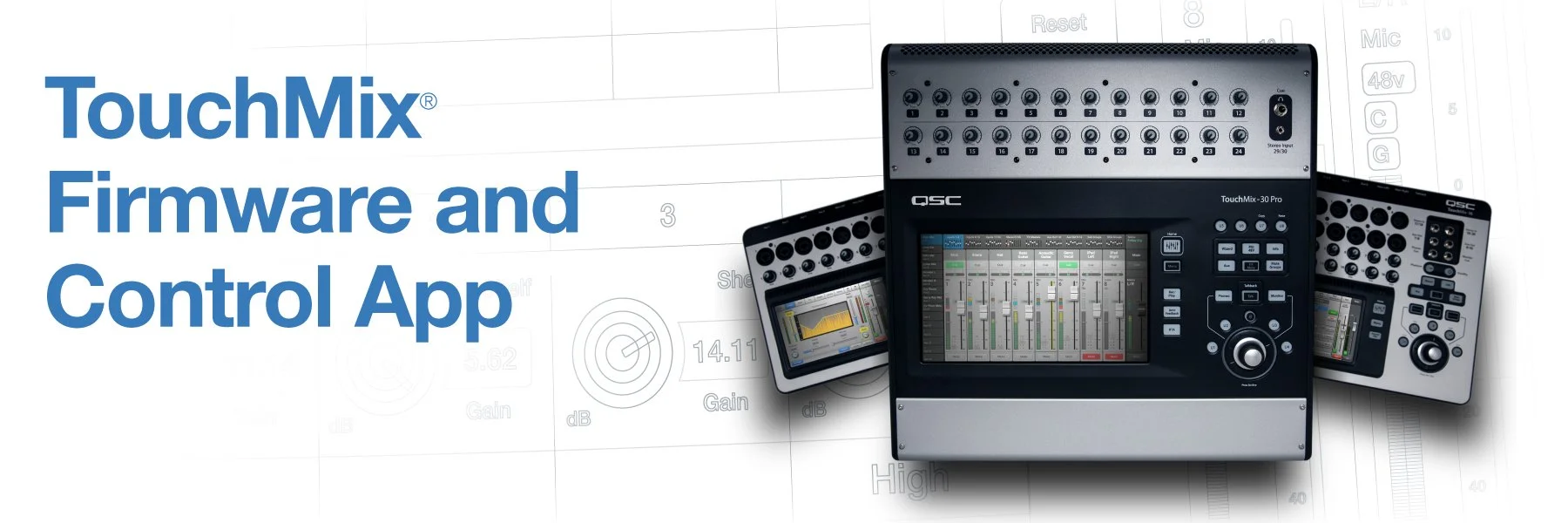
Important information regarding the TouchMix Control App:
To ensure optimal, consistent performance and compatibility between your TouchMix and connected devices utilizing the TouchMix Control App, we strongly recommend the following industry-standard practices:
- Use a dedicated iOS or Android device – This helps maintain a stable and consistent environment for your mixer. There are many economical options available, both new and used.
- Disconnect your device from the internet – This step will help prevent unwanted updates or changes to your device’s operating system which could alter future compatibility with your TouchMix mixer.
- Turn off automatic updates – Similarly, this last step will prevent unexpected OS changes that may affect future functionality.
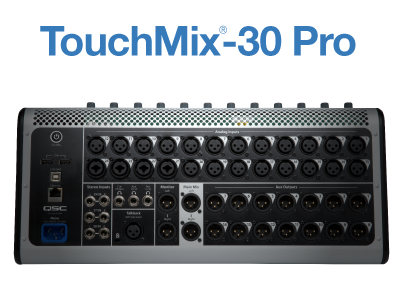
Attention Android Users:
Please verify that the new TouchMix-30 Pro Android App will download/install on your tablet before downloading the mixer v3.0 Firmware.
Due to the nature of Android device design, some older and/or less powerful devices are incompatible with firmware v3.0. It is also possible that some newer devices may deliver a less than optimum user experience. In this case, firmware v2.0 remains available for restoration of your TouchMix mixer to its previously known, stable state.
Firmware
Please read the Release Notes and the Windows or macOS® installation instructions below prior to downloading firmware
Windows DAW USB Driver
Windows USB Driver and DAW Setup Installation Instructions
MacOS
TouchMix-30 Pro supports macOS® DAW natively via Core Audio. No additional driver required.
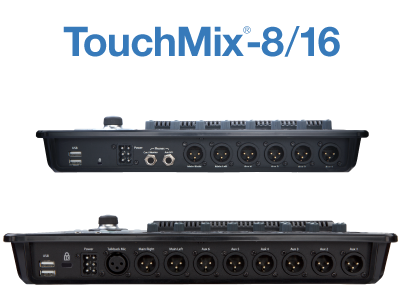
Firmware
Please read the PC or macOS® installation instructions below prior to downloading firmware