

Insta360 Connect Extra Long USB-A to USB-C Cable
Extra-long 33ft (10m) long cable.
Top Features:
Extra-long 33ft (10m) long cable.
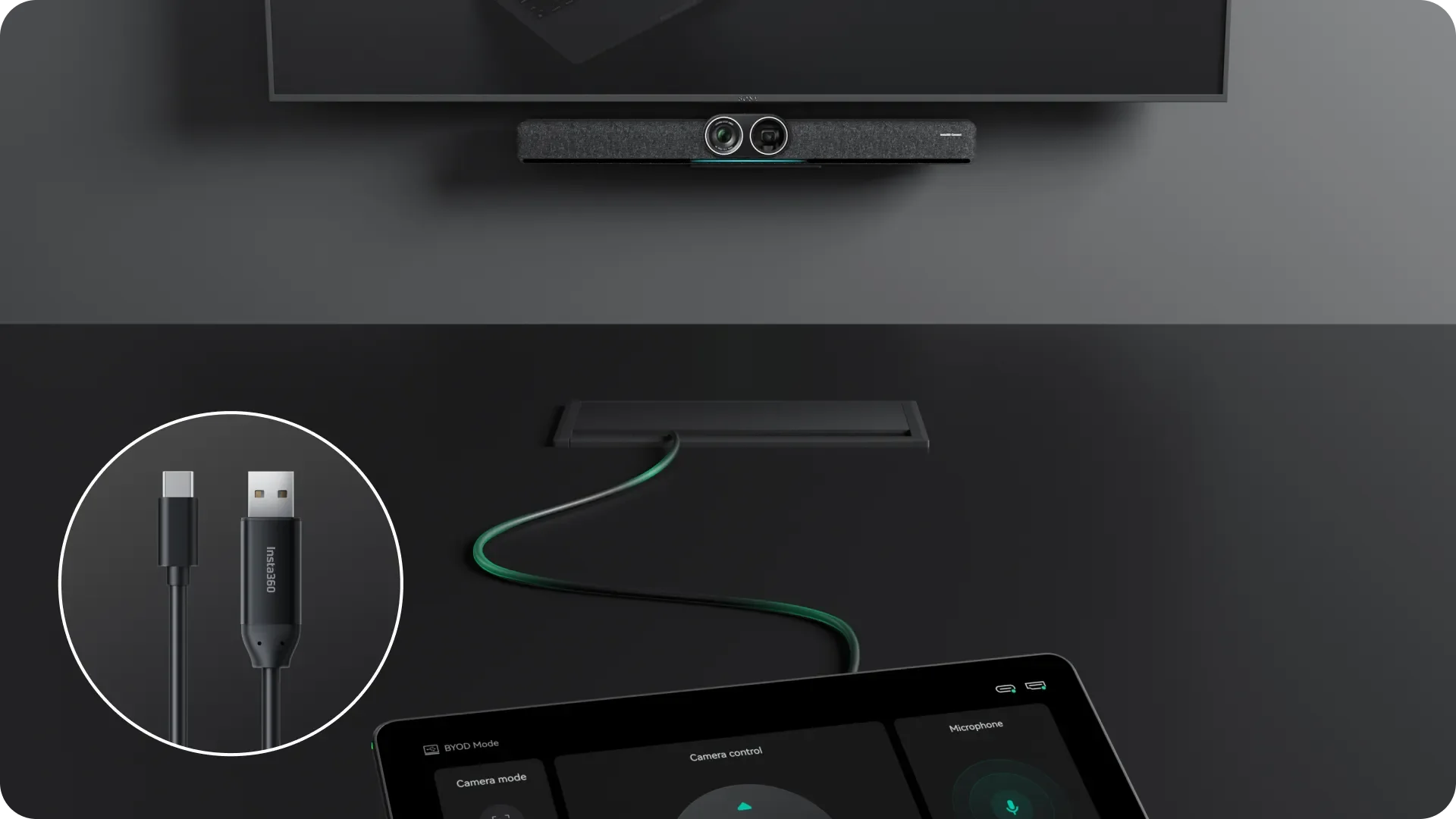
Links Insta360 Connect with Insta360 Touch Panel.
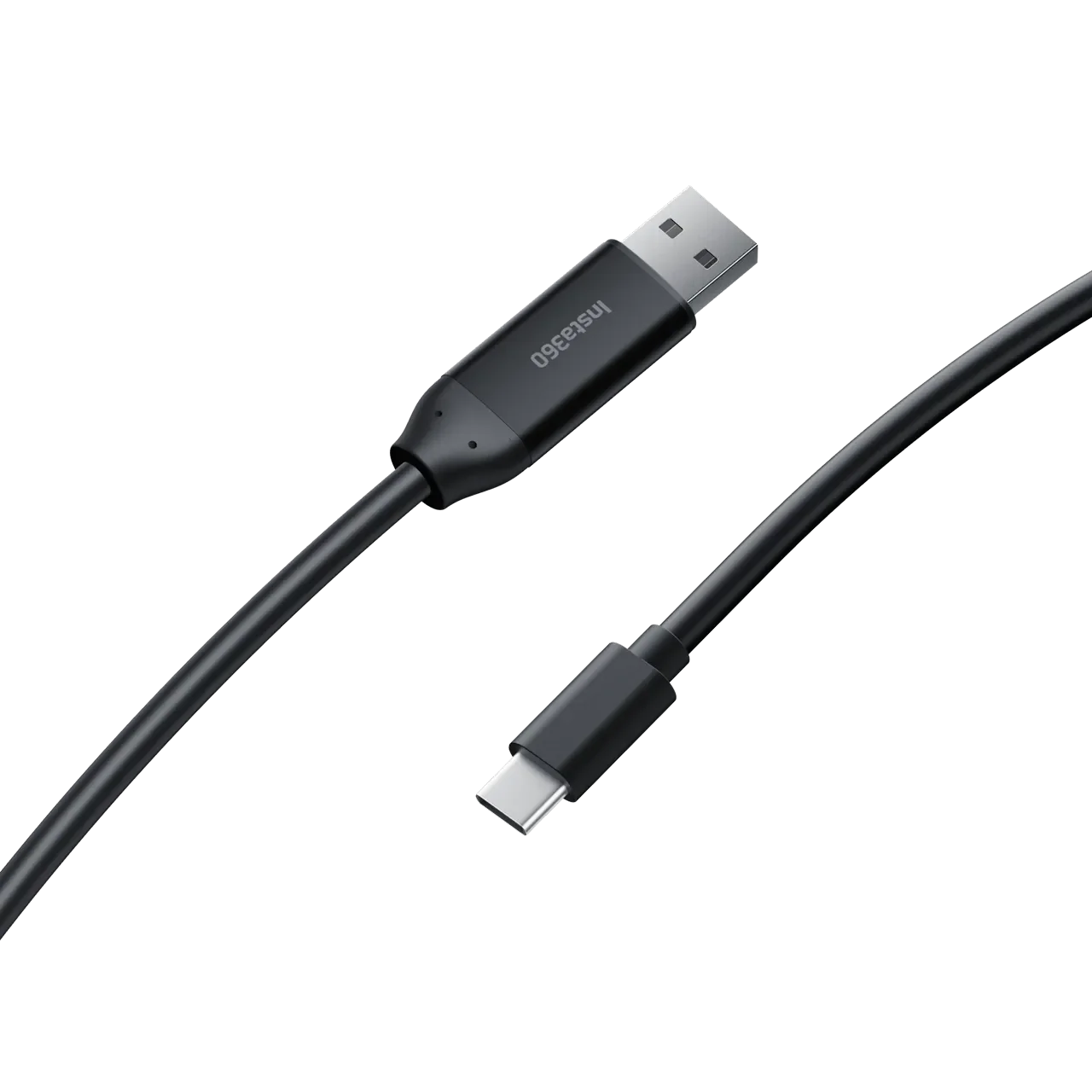
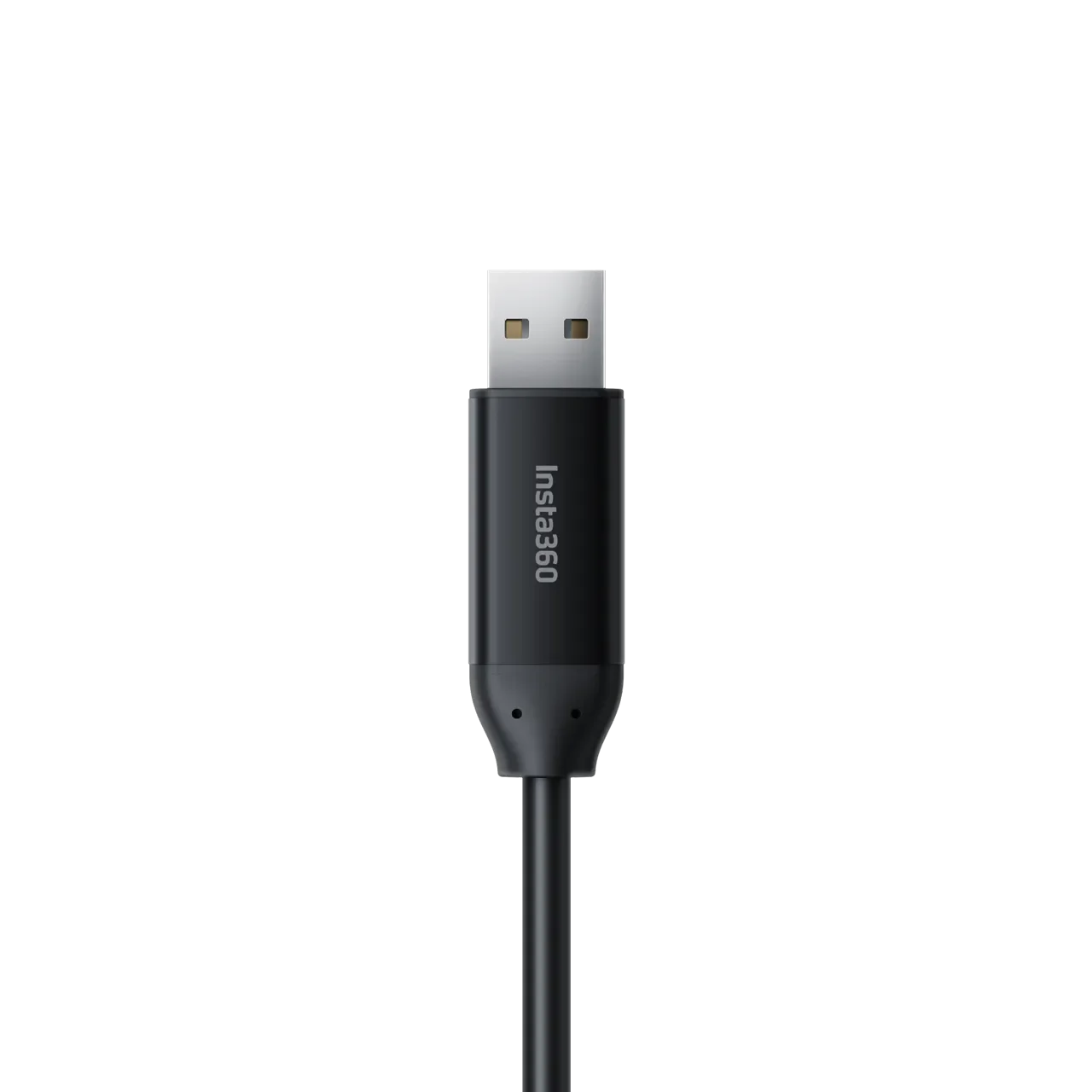
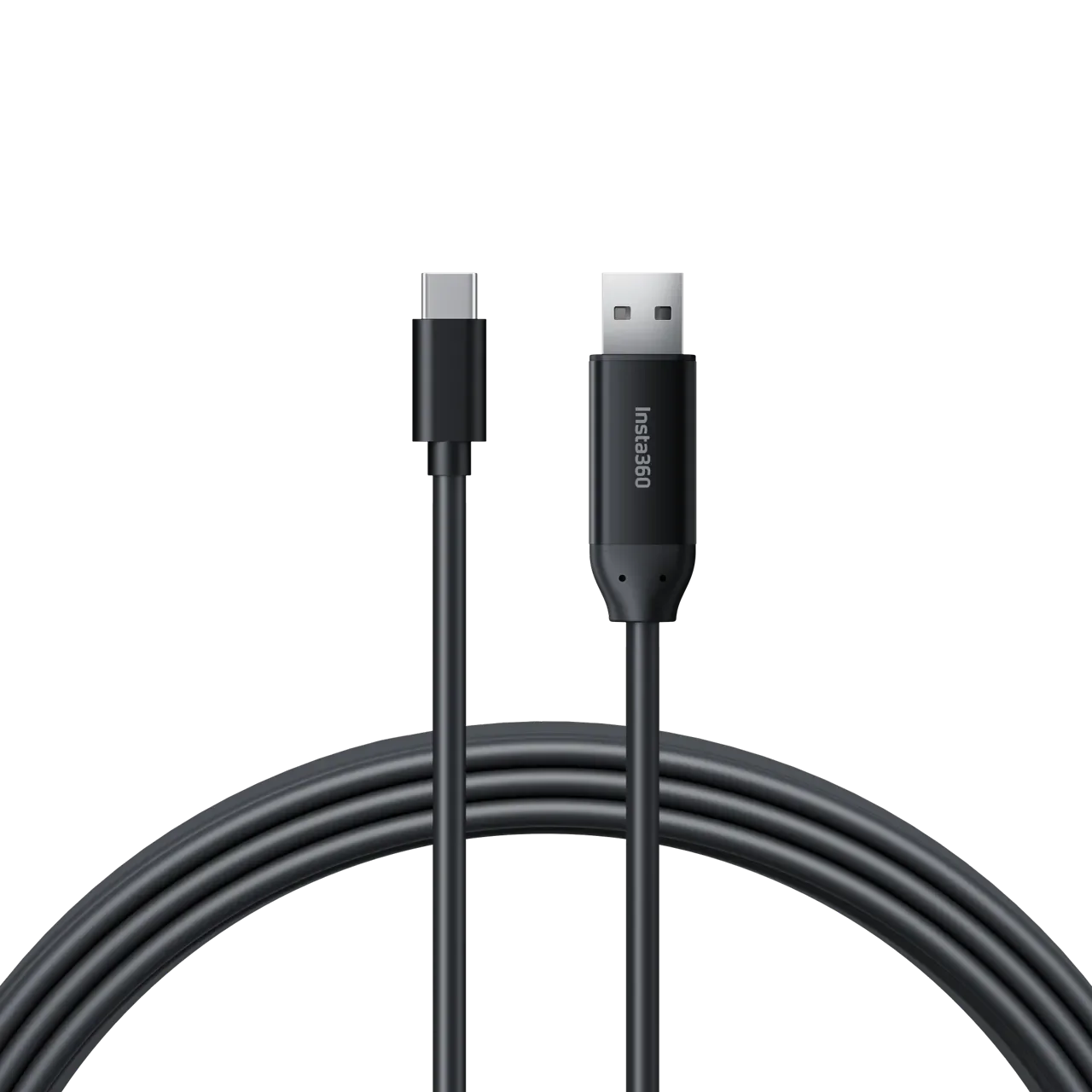
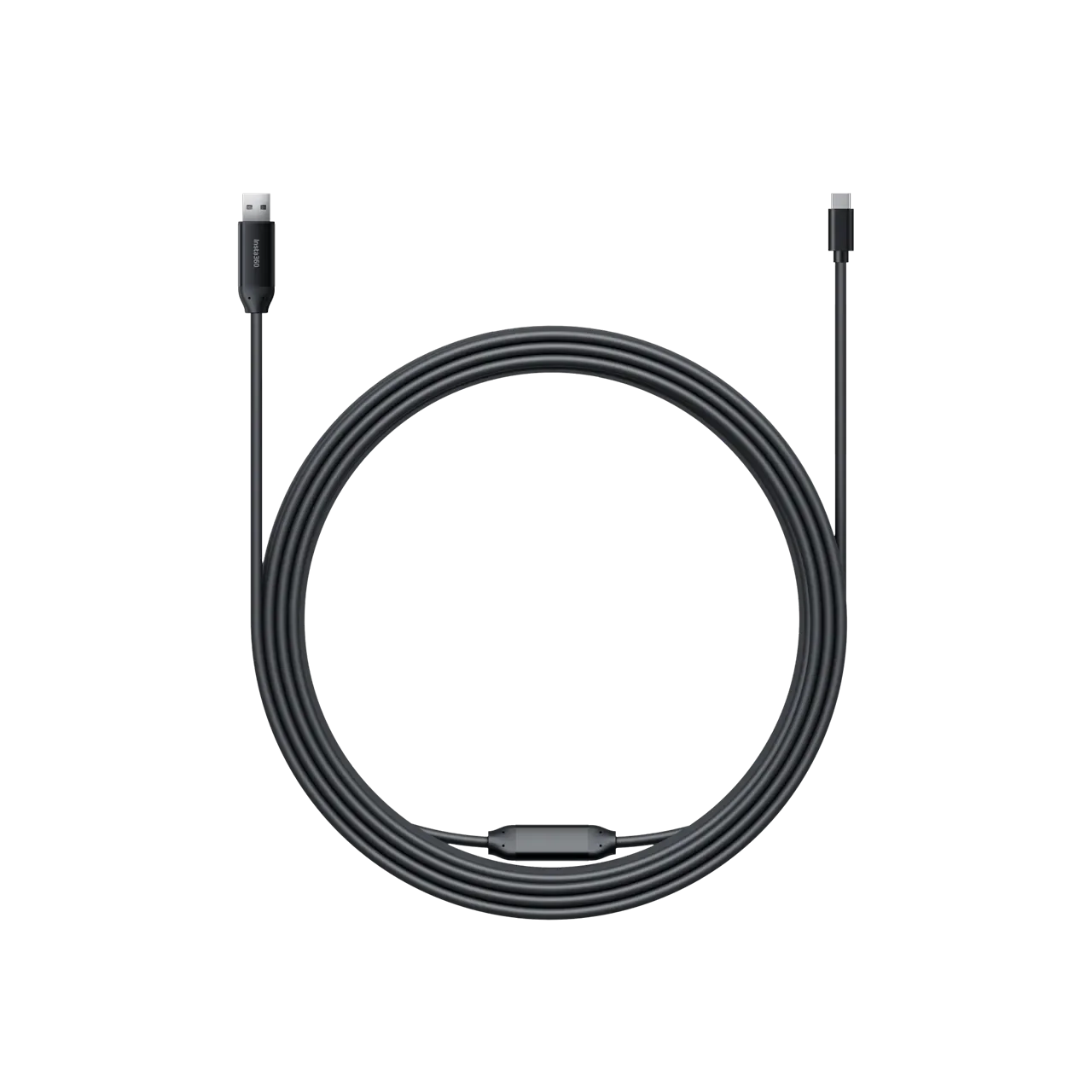
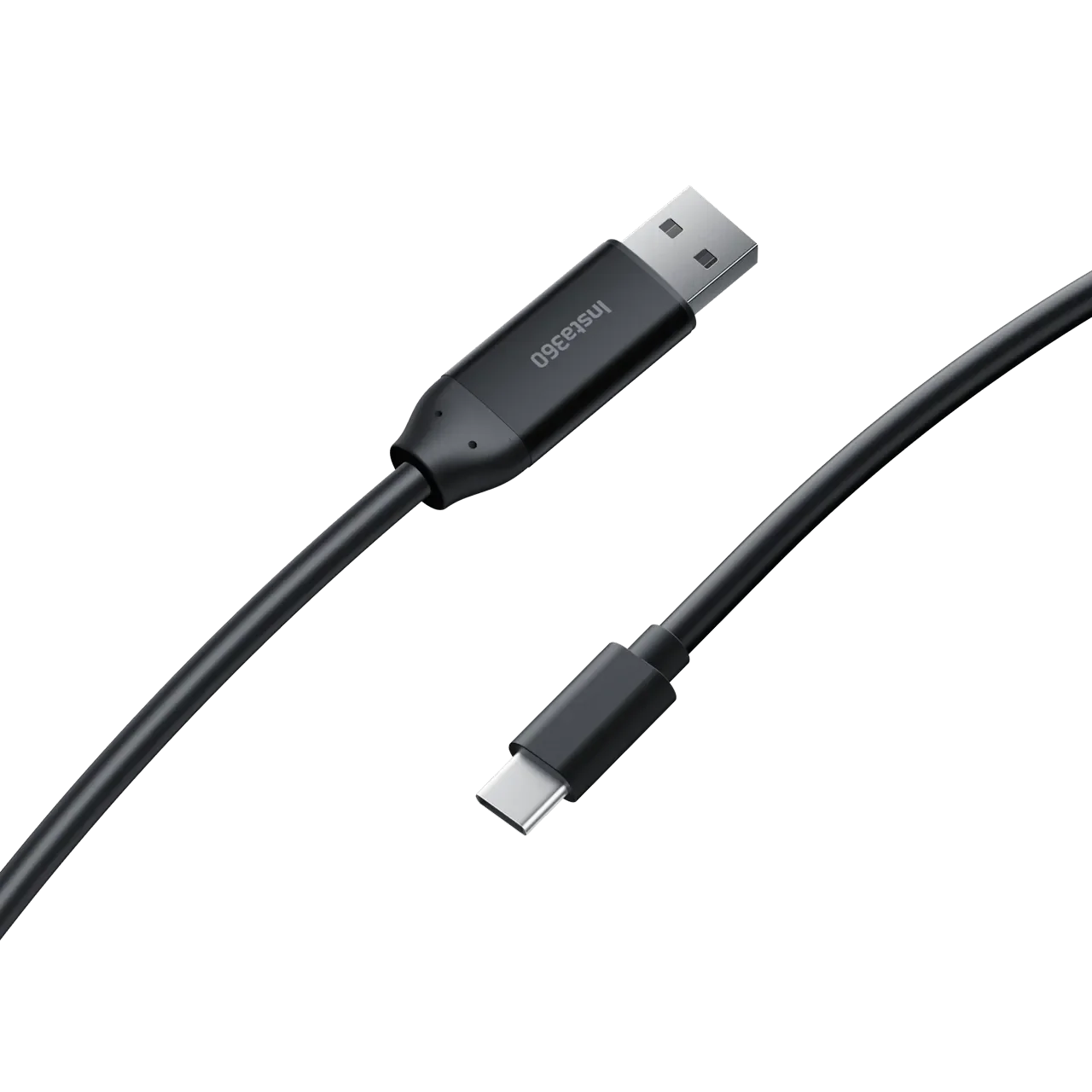
Extra Long USB-A to USB-C Cable
Links your Insta360 Connect to the Insta360 Touch Panel instantly and without setup.
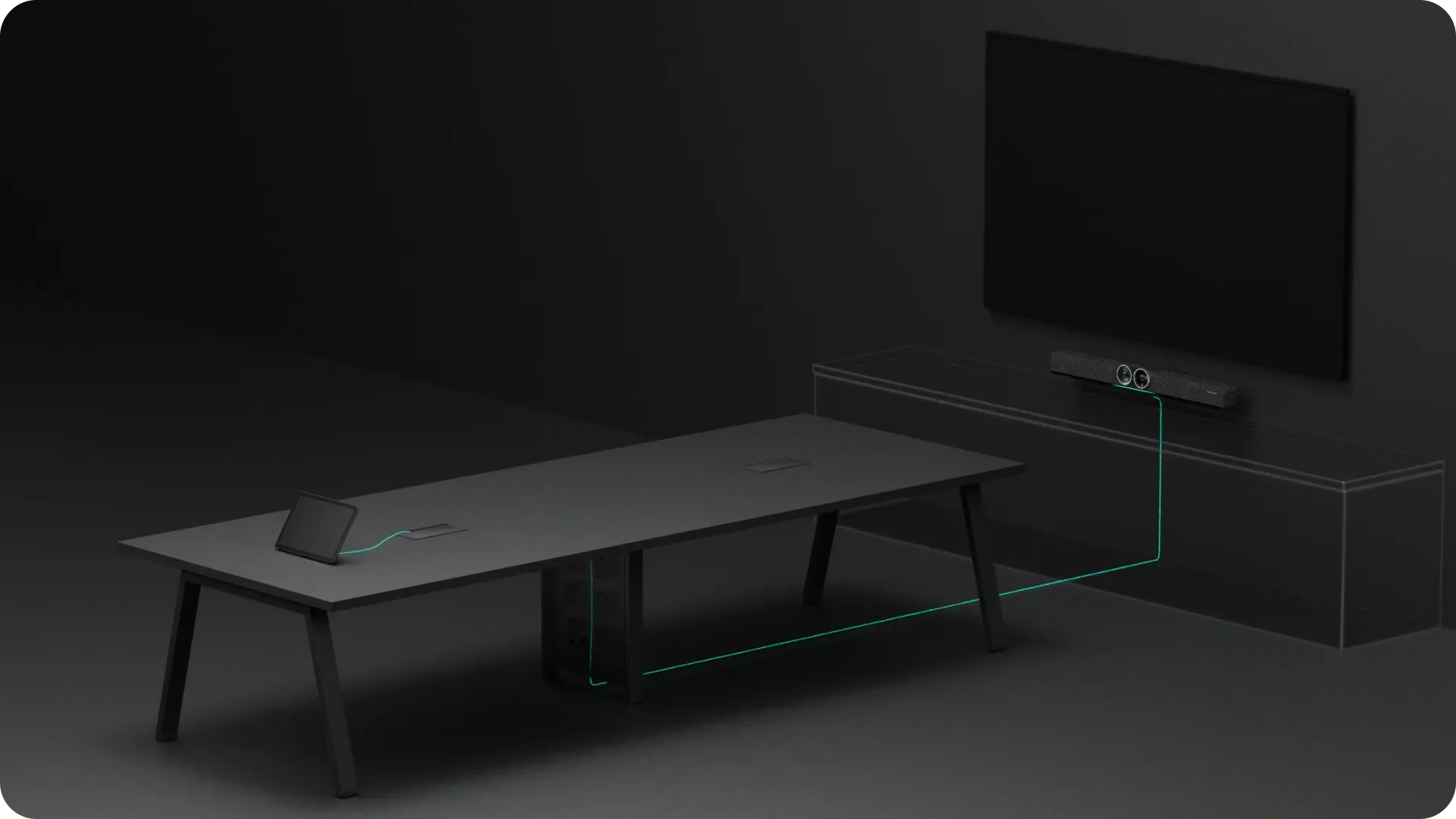
Longer. Better.
Our extra long 33ft (10m) cable is designed for all meeting and conference halls.
-
Maximum Transmission:480Mbps
Compatibility:
USB 2.0
Installation Locations:
Walls, ceilings, raceways and conduits.
Cable Type:
Active copper
Connector:
USB-A to USB-C
Maximum Power Input:
DC 5V-2.4A
Maximum Power Output:
5V-1.7A
Minimum Duct Diameter:
20mm (0.8in)
Cable Diameter:
4.8mm (0.2in)
Operating Temperature:
32°F to 104°F (0°C to 40°C)
No-Load Power Consumption:
≤0.45W
-
How to UseConnect the Touch Panel to Insta360 Connect by plugging the USB-A end of the cable into Insta360 Connect and plugging the USB-C end into the Touch Panel.
Notes
Before wiring, test the signal to ensure it is transmitting properly.
When wiring, use the wire puller at the front and avoid pulling the cable or connector directly.
The connector contains a built-in chip. Avoid drops and impacts, and always hold the connector when plugging or unplugging the cable.
Avoid using heavy or sharp objects near the cable to prevent damage, and do not pull or tie it forcefully.
